

Case study
Cam Converter
Custom camera with 21+ filters and format conversion.
Overview
Cam Converter is a dual-purpose photography app combining a feature-rich custom camera with powerful image format conversion capabilities. The app serves photographers and content creators who need professional camera controls and flexible format export options in a single, beautifully designed interface.
Project Details
Role: iOS Developer
Timeline: Jul 2021 - Aug 2021 (1 month)
Platform: iOS
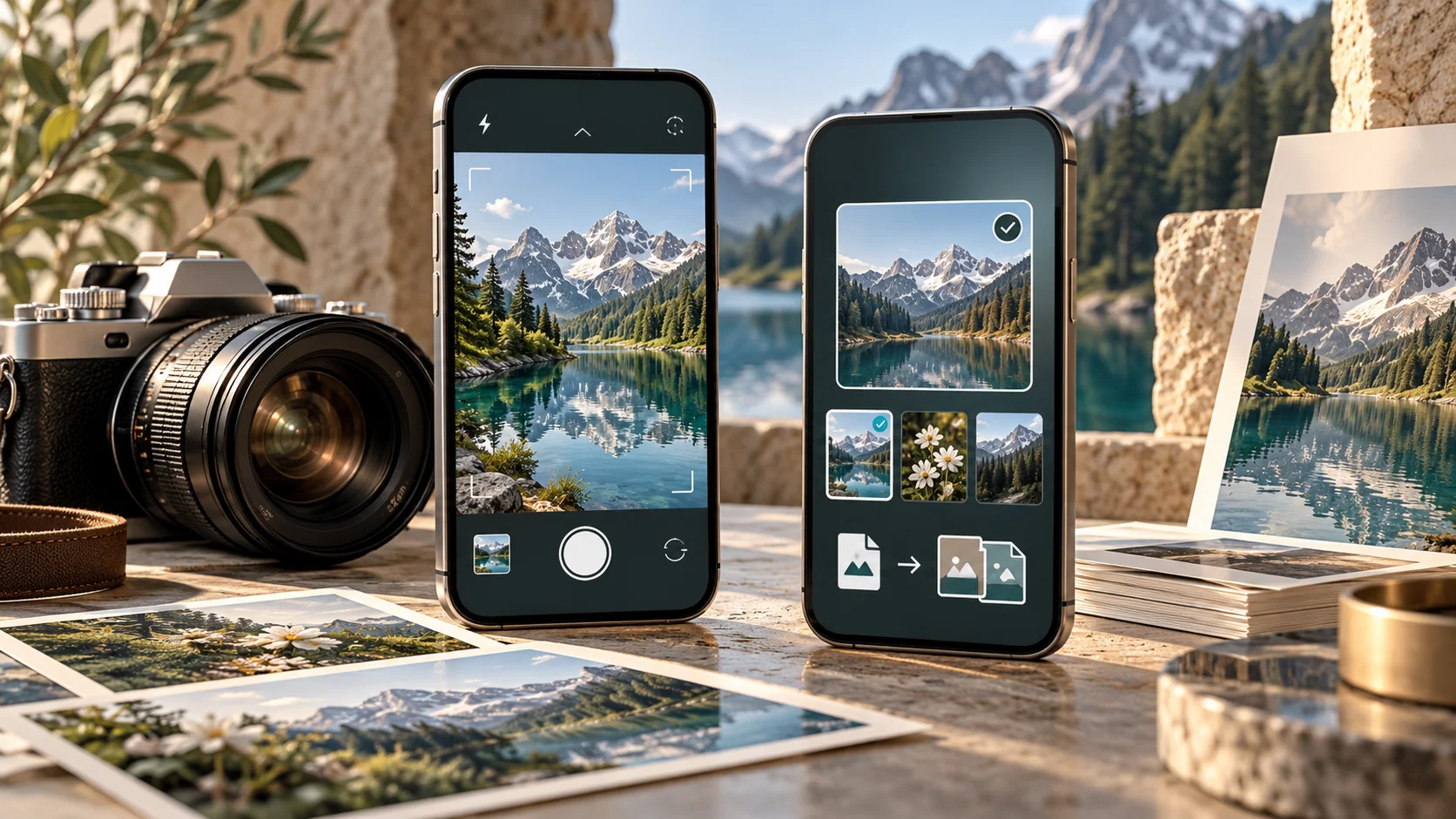
Illustrative concept artwork
Key Technical Challenges
Core engineering challenges tackled during application development:
- Real-time filter processing maintaining 60fps camera preview
- Format conversion preserving image quality across different formats
- Batch processing without blocking UI thread
- Memory management for large image files during conversion
- EXIF metadata preservation during format changes
Features & Technical Capabilities
Engineered capabilities and platform functionality:
System Capabilities
- Built custom camera using AVFoundation with beautiful UI
- Implemented 21 real-time filters with live preview
- Added sharpness adjustment, pinch-to-zoom, and tap-to-focus
- Built gridlines for composition and timer modes for selfies
- Implemented flash controls (auto, on, off, torch)
- Created image converter supporting JPG, PNG, HEIF, BMP, TIFF, GIF
- Built batch conversion with progress tracking
- Implemented quality/compression adjustment per format
- Used Core Image for high-quality filter rendering
- Implemented background processing for batch operations
Technology Stack
Core Technologies & Libraries
- Swift
- UIKit
- AVFoundation
Technical Contribution
This prior-role entry documents implementation responsibilities and product capabilities. Business-volume and performance outcomes are not presented because independent measurement evidence is unavailable.